People and organizations
Hours a manager approved, not hours somebody added up.
Your staff clock in and out in Hotline. A manager approves the hours and can correct a time, and the original stays on record beside the correction. Then the period comes out as a spreadsheet or a printed invoice.
Get started freeHow it works
Clock in and out
Anyone on the roster with a Hotline account clocks in and out from the app. Nobody fills in a timesheet on Friday from memory.
Approve, or correct and approve
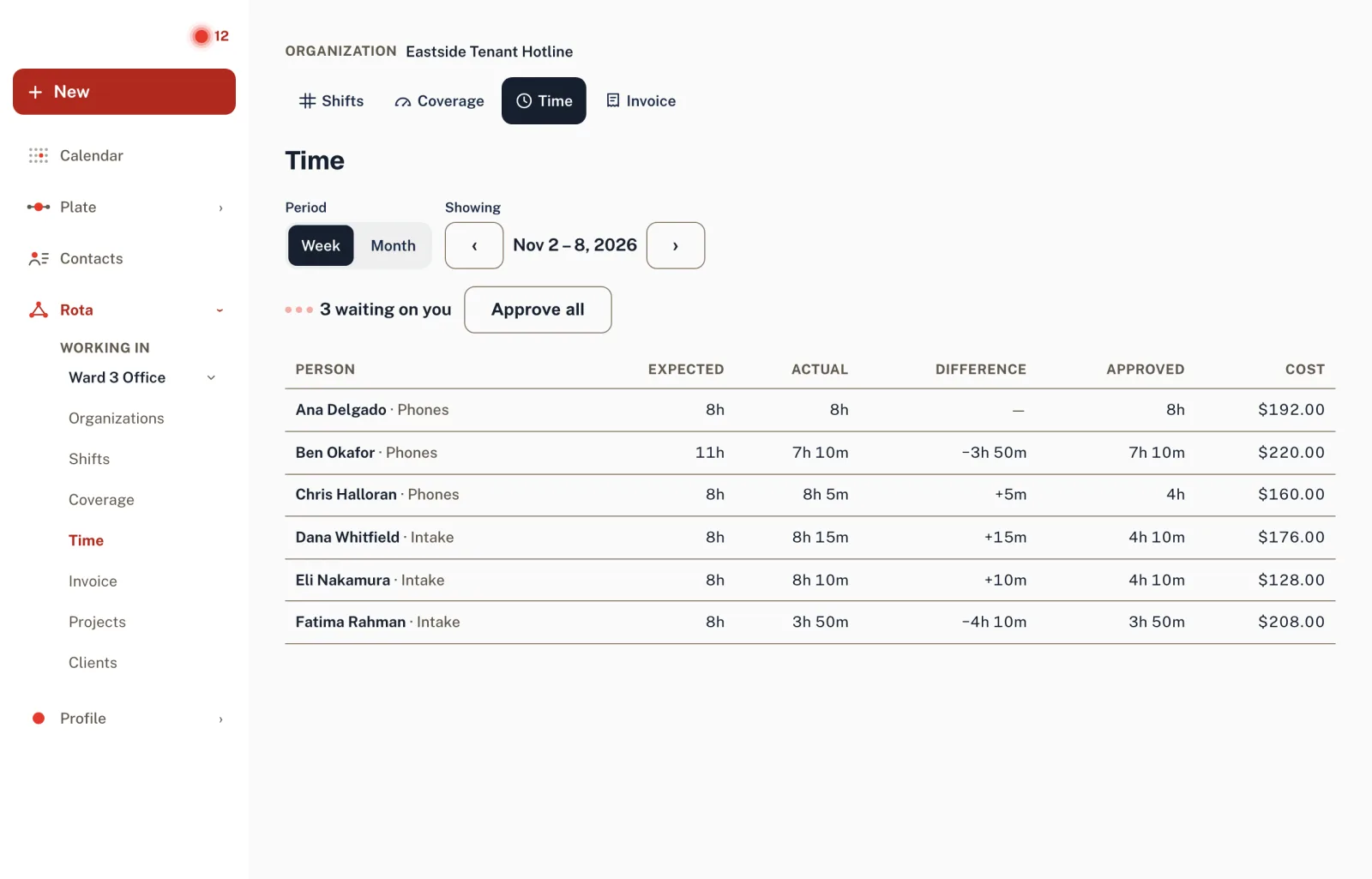
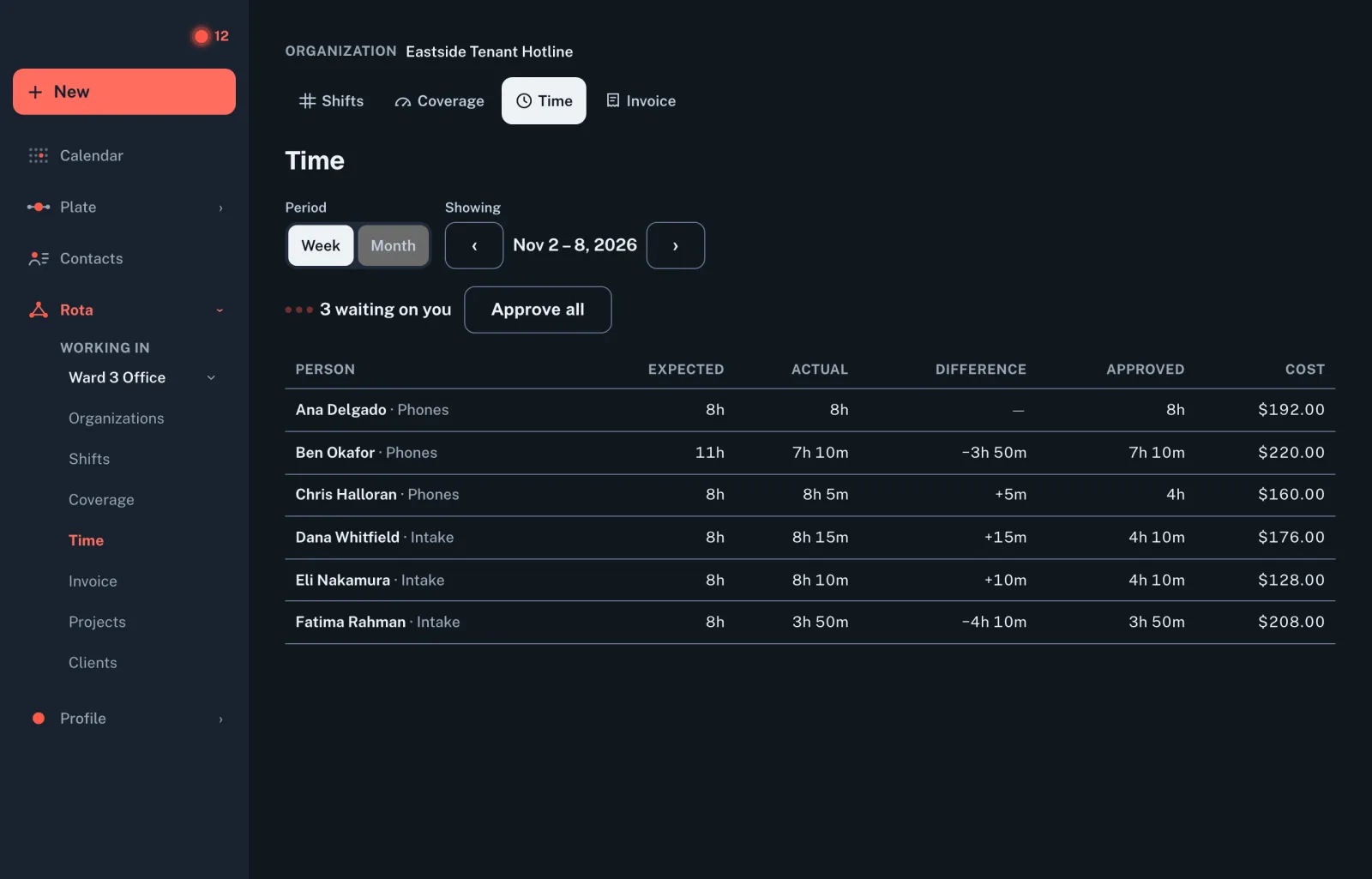
The Time screen puts each person’s expected hours beside their actual ones. Approve entries one at a time or all at once, and correct a wrong time where you find it.
Close the period
Hours and cost per person for a week, a month or any range, as a spreadsheet or a printed invoice. Bill from the clock and only approved time is billed; otherwise it bills the schedule. Costs are shown to admins only.
The original stays on record
A correction doesn’t overwrite what was clocked. The entry keeps its original times beside the corrected ones, along with who changed them.
Expected against actual
Each person’s scheduled hours sit beside the hours they clocked, so a short week or a long one shows before anyone approves it.
A forgotten clock-out doesn’t run all week
An entry nobody closes is closed for them — at the shift’s scheduled end, if there was a shift — and waits in the manager’s review queue to be checked.
Numbered invoices for client work
From Studio up, a project gets numbered client invoices that freeze when issued, and an invoice is refused while any hour is missing a rate.
Needs a second person, so it starts on Team. Compare the plans
Questions
Can a manager fix a wrong clock-in time?
Yes. A manager corrects the entry’s start and end, and Hotline keeps the original times on record beside the correction. Hours are approved by a manager, one entry at a time or all at once.
Can I turn the hours into an invoice or a spreadsheet?
Yes. For any week, month or date range, Hotline totals each person’s hours and cost and gives them to you as a spreadsheet (CSV) or a printed invoice. If your organization bills from the clock, only approved clocked time is billed, and time still waiting for approval is named rather than left out; otherwise it bills the published schedule. Client projects get numbered invoices that freeze when they are issued.