People and organizations
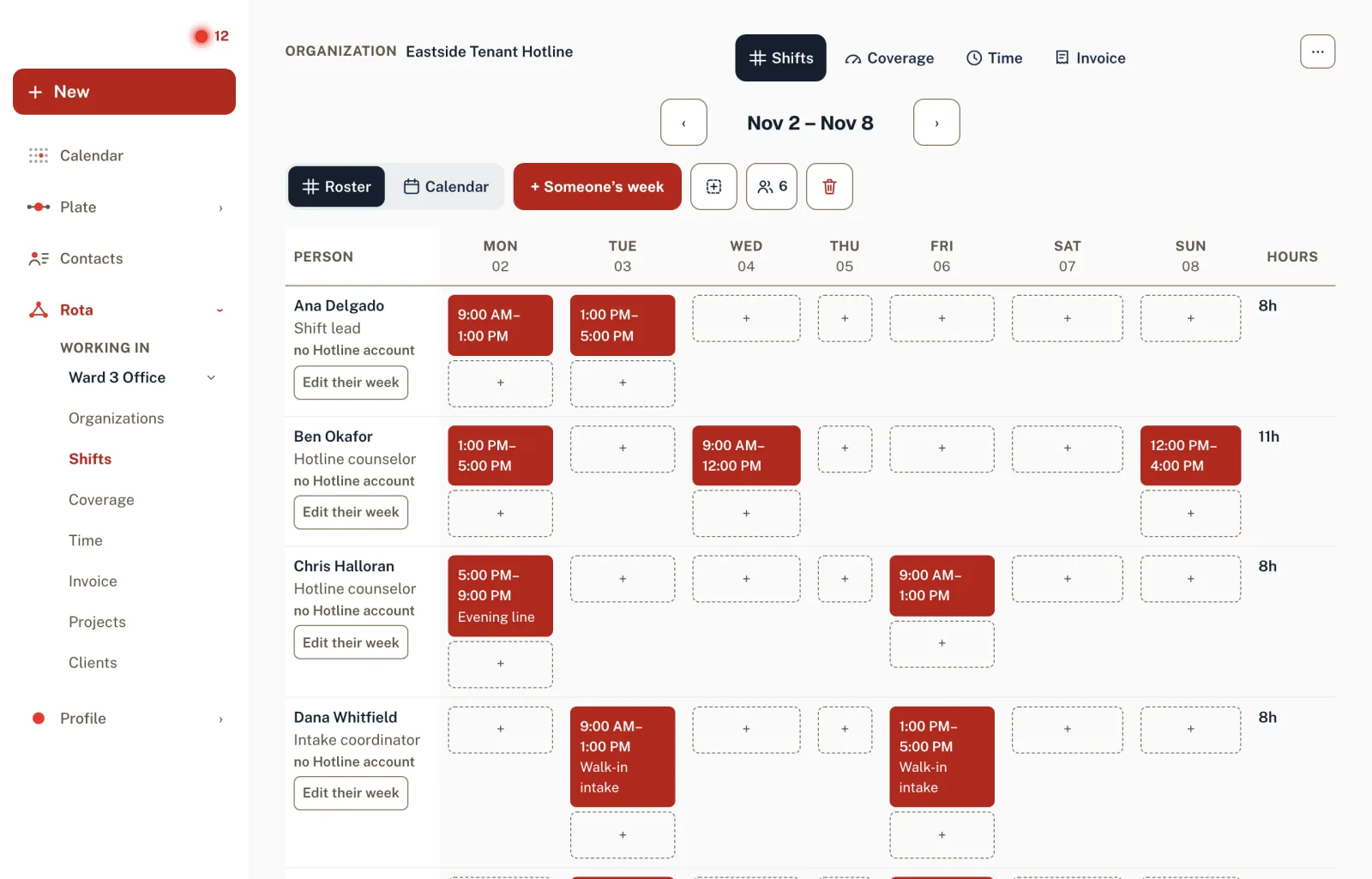
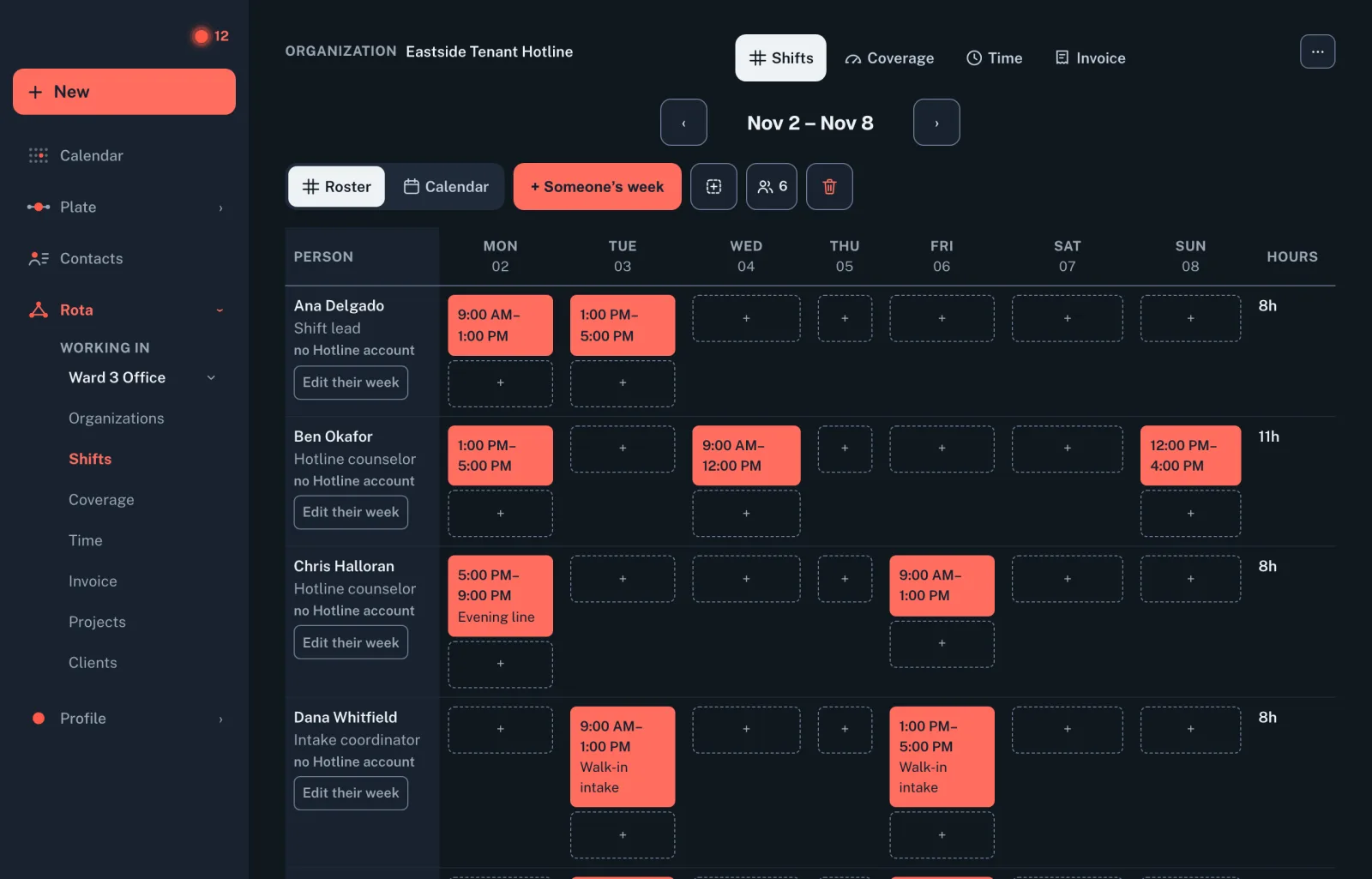
Build the week as shifts. Publish it once.
Schedule your team in shifts and send each person their own week.
Get started freeHow it works
Build the week
Lay out the shifts and put people on them.
Publish it once
Everyone gets their shifts in Hotline, or by email with a calendar feed.
See what it cost
Hours, cost and mileage add up against the shifts.
See who's coming
People confirm or decline each shift from their link, and the answer shows on the shift.
Changes reach only who they touch
Edit a published shift and only the people on it hear about it.
Everyone sees what's theirs
Members see their own shifts, team leads their teams', and only admins see pay.
Needs a second person, so it starts on Team. Compare the plans
Questions
Can volunteers and staff see their shifts without a Hotline account?
Yes. When you publish, people with an account see their shifts in Hotline. Everyone else gets an email with their own link, where they can confirm or decline each shift with a comment, and the answer shows on the shift in your schedule.
Do the shifts go on each person’s own calendar?
Yes. Each person’s link includes a calendar feed of their own shifts, covering the last 60 days and the next 180, that Google Calendar, Apple Calendar or Outlook can subscribe to. If you change a shift after publishing it, the person it belongs to is emailed what changed.